
A single mode fiber optic cable is a type of fiber cable that carries light in a single path, or mode, down a very narrow glass core. That design lets it send data over much longer distances, at higher speeds, than multimode fiber or copper — which is why single mode fiber is the standard for internet backbones, data centers, and long-distance networks. This guide explains what a single mode fiber optic cable is, how it works, how it compares with multimode fiber, and when to choose it.
Most fiber guides list the core sizes and stop there. This one adds what competitors miss: a practical selection table for OS1 vs. OS2, a security angle on fiber tapping, and the installation and bend-radius mistakes that cause most real-world fiber failures.
What Is a Single Mode Fiber Optic Cable?
A single mode fiber optic cable is a cable with a core about 9 micrometers in diameter — roughly one-tenth the width of a human hair — surrounded by a 125-micrometer cladding. Light travels straight down the core in a single mode, with almost no reflection or dispersion. Because the light does not bounce around inside the core, the signal stays clean over tens of kilometers.
Single mode fiber is usually identified by a yellow outer jacket, while multimode fiber is usually orange or aqua. The cable itself is made of glass, not copper, so it is immune to electromagnetic interference and cannot be tapped by the electromagnetic methods used on copper cables.
How Does Single Mode Fiber Work?
A laser, not an LED, sends light pulses down the fiber at wavelengths of 1310 or 1550 nanometers. The core’s tiny diameter allows only one mode of light to propagate, so the pulses do not spread out and overlap. At the far end, a photodetector converts the light back into an electrical signal.
Because the signal degrades so slowly, a single mode link can run 10, 40, or even 80 kilometers without a repeater, depending on the transceiver and the fiber grade. That range is why telecom carriers, cloud providers, and large enterprises build their core networks on single mode fiber.
Single Mode vs. Multimode Fiber
| Feature | Single mode (OS1 / OS2) | Multimode (OM1–OM5) |
|---|---|---|
| Core diameter | 9 micrometers | 50 or 62.5 micrometers |
| Light source | Laser | LED or VCSEL laser |
| Distance | Up to 80 km or more | Up to 300–550 m, depending on grade |
| Bandwidth | Effectively unlimited | High, but distance-limited |
| Cost | Cable cheap; transceivers expensive | Cable more expensive; transceivers cheap |
| Typical jacket | Yellow | Orange, aqua, or magenta |
| Best for | Long distance, backbones, data centers | Short runs inside a building |
The trade-off is cost: single mode transceivers are more expensive than multimode ones, because a laser is more precise than an LED. For a short run inside a building, multimode is usually cheaper overall. For anything over a few hundred meters, single mode wins.
OS1 vs. OS2: Which Single Mode Cable Do You Need?
OS1 is the older single mode standard, for indoor use, with a maximum attenuation of 1.0 dB/km. OS2 is the newer standard, for indoor and outdoor use, with a maximum attenuation of 0.4 dB/km and better performance at 1550 nm. OS2 is the right choice for new installations, especially for long runs or outdoor cable. OS1 is acceptable for short indoor links, but it is being replaced by OS2 in most new designs.
Connectors matter too. LC connectors are the most common for single mode, because they are small and fit dense data-center panels. SC connectors are larger and common in telecom. Always match the connector, the polish (UPC vs. APC), and the cable grade — an APC connector on a UPC port will cause high loss and intermittent failures.
Where Single Mode Fiber Is Used
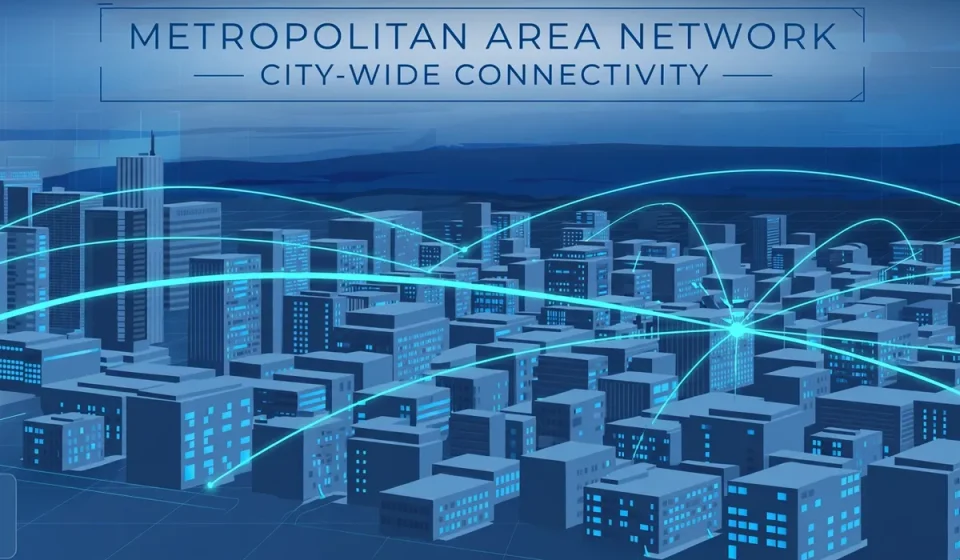
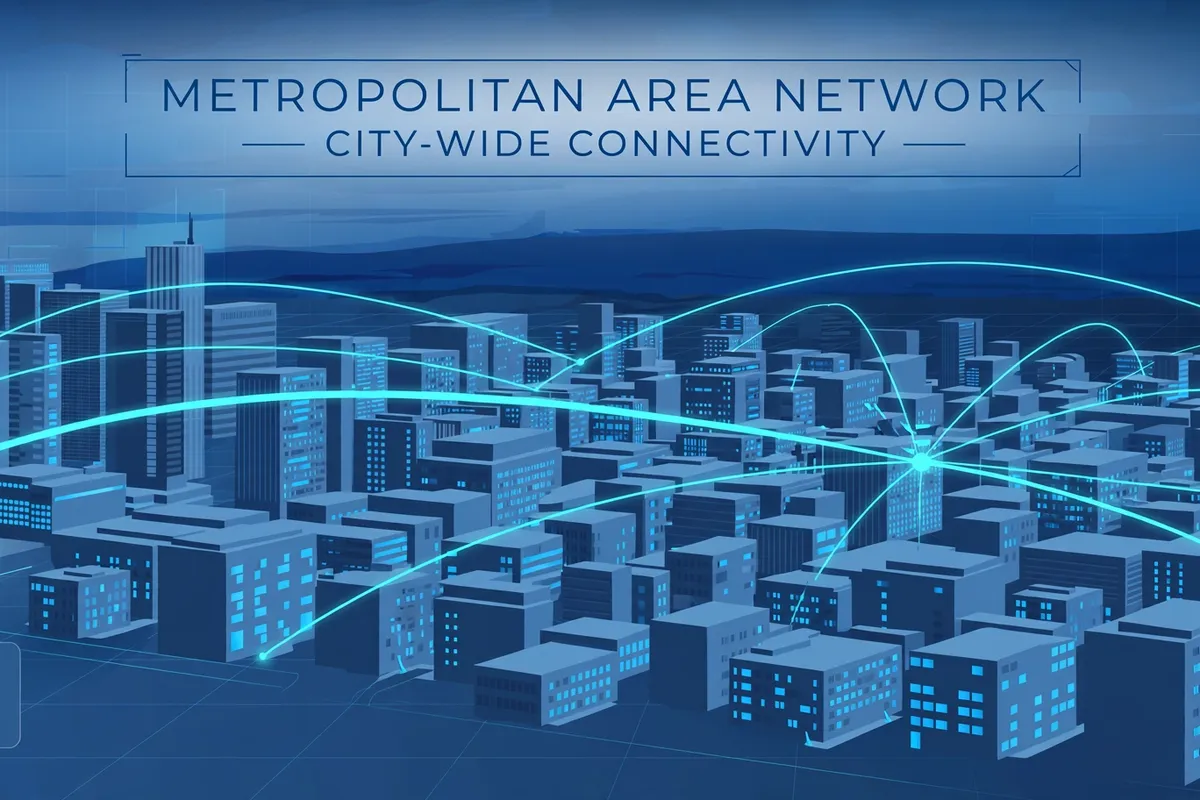
Single mode fiber connects data centers to each other, links buildings across a campus, carries traffic between cities, and connects 5G cell sites to the core network. Inside a data center, it connects switches and servers over longer runs, while multimode handles the short links. It also carries traffic between metropolitan networks — see our guide to what a metropolitan area network is for how those city-wide networks are built.
Data centers depend on fiber for every high-speed link. Our guide to what data centers are explains the facilities where single mode fiber is most heavily used.
Is Fiber Optic Cable Secure?
Fiber is more secure than copper, but it is not unhackable. An attacker with physical access can bend a fiber and tap a small amount of light, or splice into a cable, to intercept traffic. That is why sensitive fiber runs should be in locked conduits, monitored for changes in light levels, and encrypted at the network layer. Encryption, not the cable, is what protects the data — the cable only makes interception harder.
Physical security is part of network security. A fiber run that crosses an unsecured space is a risk, just as an unsecured switch is. For the traffic that rides on that fiber, quality of service (QoS) settings decide which traffic gets priority when the link is busy.
Frequently Asked Questions
What is the difference between single mode and multimode fiber?
Single mode fiber has a 9-micrometer core, uses a laser, and carries data over tens of kilometers. Multimode fiber has a 50- or 62.5-micrometer core, uses an LED or VCSEL, and is limited to a few hundred meters.
How far can single mode fiber go?
With the right transceiver, single mode fiber can run 10 to 80 kilometers without a repeater, and much farther with amplification. Most enterprise links are well under 10 kilometers.
Can I use single mode and multimode together?
Not directly. The cores are different sizes, and connecting them causes high loss. Use a mode-conditioning cable or a media converter if you must join them, and test the link after installation.
What color is single mode fiber?
Single mode fiber usually has a yellow jacket. Multimode is usually orange, aqua, or magenta. The color is a guide, not a guarantee — always check the printing on the cable.
Is single mode fiber expensive?
The cable itself is inexpensive, often cheaper than multimode. The transceivers are more expensive, so the total cost depends on the number of endpoints and the distance.
Conclusion
A single mode fiber optic cable is the right choice when distance, speed, and future growth matter. Its narrow core and laser light carry data farther and cleaner than any copper or multimode alternative. Choose OS2 cable, match your connectors, respect the bend radius, and encrypt the traffic that rides on it. Do that, and your fiber backbone will serve you for decades.