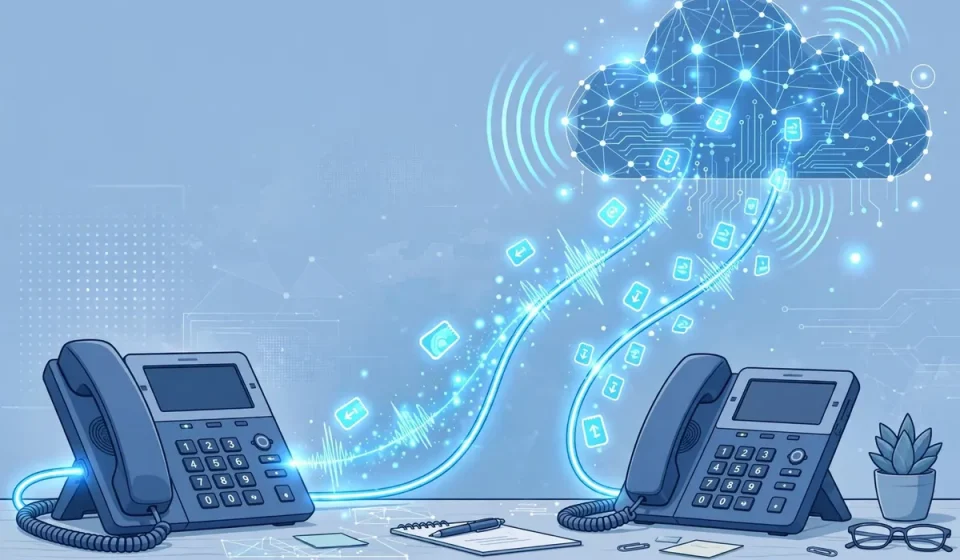

What is IVR? Interactive Voice Response is the automated phone system that greets you with “Press 1 for sales, press 2 for support” and routes your call without a human operator. It is the voice menu behind banks, airlines, hospitals, and government helplines — and, increasingly, the first line of customer service for cloud-based contact centers. This guide explains what IVR is, how it works, the difference between DTMF and speech recognition, and how to design an IVR that helps callers instead of frustrating them — and how to secure it.
Most IVR guides describe the menu tree and stop there. This one adds what competitors miss: a security treatment of IVR fraud and vishing, a comparison of on-premises vs. cloud IVR, and a practical design checklist with the call-flow mistakes that drive customers away.
What Is Interactive Voice Response?
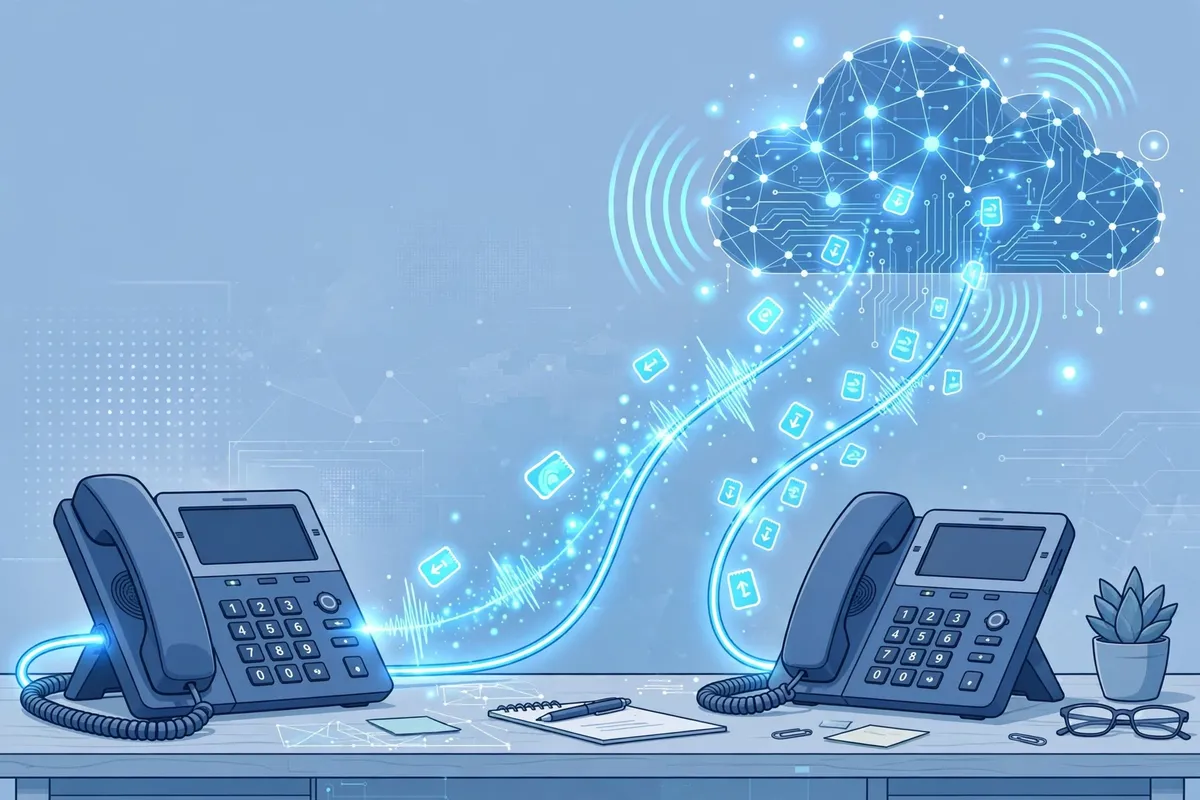
Interactive Voice Response is a technology that lets a computer interact with a caller through voice prompts and keypad or voice input. The caller hears a recorded menu, presses a key or speaks a response, and the system routes the call, looks up information, or completes a transaction — such as checking a balance, booking an appointment, or paying a bill — without a human agent.
IVR systems are built on telephony platforms that connect to the public phone network or to a cloud voice service. They use text-to-speech to read information aloud, speech recognition to understand spoken answers, and databases to look up the caller’s account. A modern cloud IVR can be updated in minutes, while an old on-premises system might take weeks to change.
How Does IVR Work?
When a call arrives, the IVR answers and plays a greeting. The caller responds by pressing a key — a DTMF tone — or by speaking. The system interprets that input, looks up the relevant information, and either plays the answer, asks a follow-up question, or transfers the call to the right agent or department. If the caller says “agent” or presses 0, most systems transfer to a human.
Behind the scenes, the IVR integrates with a customer relationship system, so an agent who receives the call can see what the caller already entered. That integration is what separates a good IVR from a bad one: a caller should never have to repeat their account number to the agent after entering it in the menu.
DTMF vs. Speech Recognition
| Input method | How it works | Strengths | Weaknesses |
|---|---|---|---|
| DTMF (touch-tone) | Caller presses keys; each key sends a tone | Reliable, fast, works on any phone | Limited options; menus can get deep |
| Speech recognition | Caller speaks; system converts speech to text | Natural, hands-free, flexible | Errors with accents, noise, and background sound |
| Natural language (AI) | Caller speaks freely; AI understands intent | Feels conversational; no menu to memorize | Needs training data; can misunderstand |
Most systems use a mix: DTMF for numbers and account codes, speech for names and open questions, and AI for the most common requests. The tone system behind DTMF is explained in our guide to DTMF: how touch-tone signaling works.
Types of IVR Systems
There are two main types. A traditional, on-premises IVR runs on hardware in your office and connects to a private branch exchange. It is expensive to buy and maintain, but it gives you full control. A cloud IVR runs as a service — for example, through a cloud contact-center platform — and you pay per minute or per call. Cloud IVR is easier to scale, update, and integrate with other cloud tools, and it is the default choice for new deployments in 2026.
IVR usually runs over internet telephony, so its security depends on the voice network. Our guide to what Voice over IP (VoIP) is explains how those calls travel and how to protect them.
IVR Design: A Checklist That Callers Will Thank You For
- Keep menus short. No more than four or five options per menu, and no more than three levels deep.
- Put the most common options first. Check your call data, not your org chart.
- Always offer a human. Say how to reach an agent at the start, not only at the end.
- Do not ask twice. Pass the account number and the reason for the call to the agent.
- Use plain language. “Press 1 to check your balance” beats “For account inquiries, press 1.”
- Test with real callers. Watch where callers get stuck, and fix those menus first.
- Measure abandonment. If many callers hang up in a menu, that menu is broken.
IVR Security: Fraud, Vishing, and Privacy
IVR systems are a target for fraud. Attackers use vishing — voice phishing — to trick callers into entering account numbers and PINs, or they probe an IVR to guess account numbers and reset passwords. Protect your IVR by limiting the number of failed attempts, never reading out full account numbers or balances to an unauthenticated caller, requiring a second factor for sensitive actions, and logging every IVR interaction for review.
Voice traffic should be encrypted in transit, and IVR recordings should be stored with the same care as any other personal data. For the network layer, our guide to what IPsec is explains how to encrypt traffic between sites and cloud services.
Frequently Asked Questions
What does IVR stand for?
IVR stands for Interactive Voice Response. It is the automated phone menu that interacts with callers, routes calls, and handles simple transactions without a human agent.
What is the difference between IVR and a call center?
IVR is the automated front end; a call center is the team of human agents behind it. A good system uses IVR for routine tasks and sends complex or sensitive calls to a person.
Is IVR the same as a chatbot?
No, but they are related. A chatbot handles text conversations on a website or app; IVR handles voice conversations on the phone. Many companies now use the same AI behind both.
How much does an IVR system cost?
Cloud IVR typically costs a few cents per minute or a monthly fee per user, with setup costs for recording prompts and building call flows. On-premises systems cost far more up front, in hardware and licensing.
Can IVR replace human agents?
No. IVR is best for routine, high-volume tasks. Complex problems, complaints, and sensitive decisions still need a human — and callers should always be able to reach one.
Conclusion
Interactive Voice Response is the front door to your phone service. Done well, it resolves routine calls in seconds, routes the rest to the right person, and works around the clock. Done badly, it drives customers away. Keep menus short, offer a human, pass context to agents, and secure the system against fraud. Your callers — and your support team — will notice the difference.