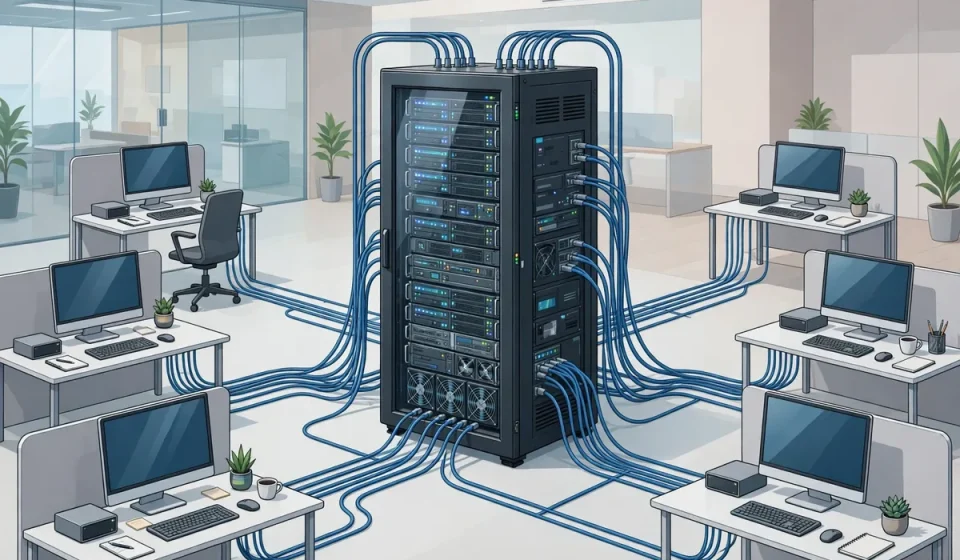

What is a thin client? A thin client is a lightweight computer that does almost no processing itself. Instead, it connects to a central server or cloud service, which runs the applications and stores the data. The thin client is mainly a screen, keyboard, and network connection — a window into a desktop that lives somewhere else. This guide explains what a thin client is, how it works, how it compares with a regular PC, and when it is the right choice.
Most thin client guides list the hardware specs and stop there. This one adds what competitors miss: a security-first comparison with VDI and DaaS, a total-cost-of-ownership table, and the network and user-experience trade-offs that decide whether thin clients will work in your organization.
What Is a Thin Client?
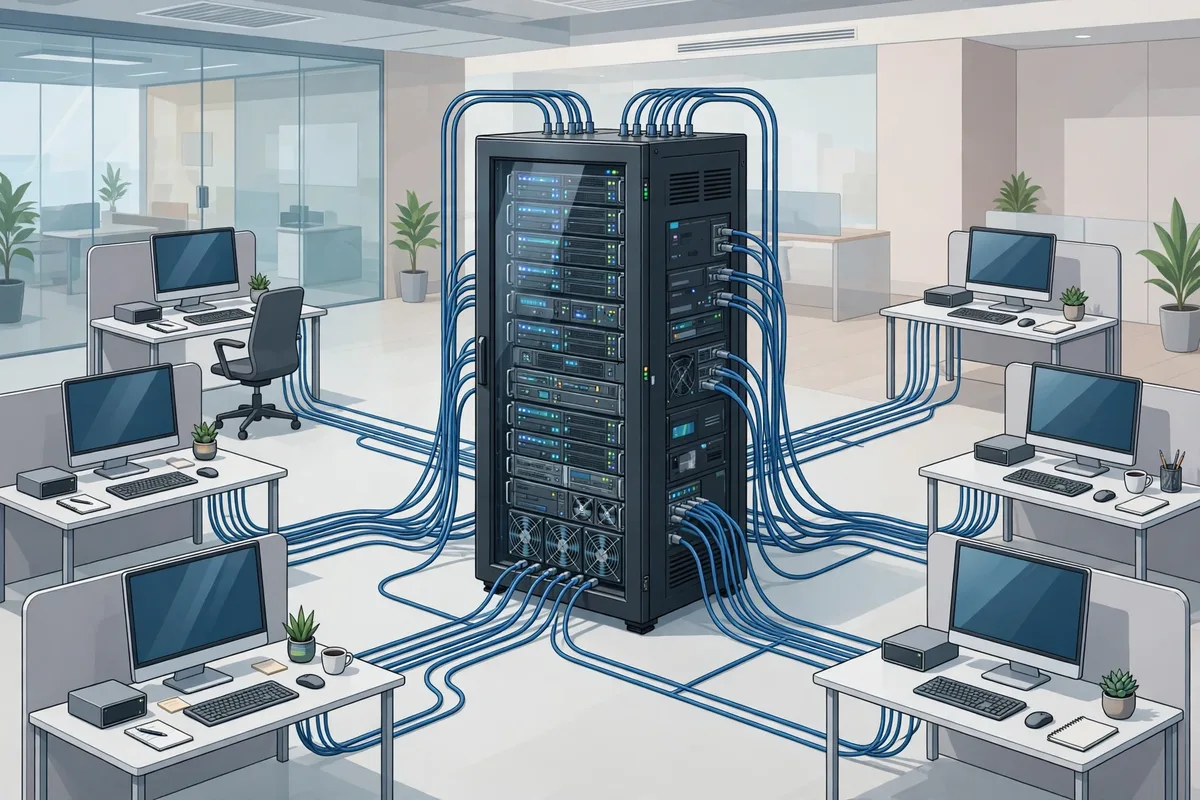
A thin client is a computer with minimal local processing, storage, and software. It runs a small operating system whose main job is to connect to a server, usually over RDP, Citrix ICA, or a cloud desktop protocol, and display the remote desktop. All applications run on the server, and all files are stored there — nothing important lives on the thin client itself.
Thin clients are common in call centers, hospitals, schools, libraries, and factories, where many users need the same applications and IT teams want to manage everything centrally. They are also used as kiosks and point-of-sale terminals.
How Does a Thin Client Work?
When a user turns on a thin client, it boots quickly, connects to the network, and asks the user to log in. The server then delivers a virtual desktop, with the user’s applications, files, and settings. The thin client sends keystrokes and mouse movements to the server and displays the screen the server sends back. If the thin client is unplugged, the session stays alive on the server, and the user can resume it from another thin client.
That design is the opposite of a traditional PC, where the applications and data live on the local hard drive. It is the same idea as server-based computing, which centralizes processing on a server while the client stays light.
Thin Client vs. Thick Client vs. Zero Client
| Type | Local processing | Local storage | Management | Best for |
|---|---|---|---|---|
| Thin client | Minimal; runs a small OS | Minimal; usually flash only | Centralized | Shared desktops, call centers, schools |
| Thick / fat client | Full; runs apps locally | Full hard drive | Per device | Power users, offline work, gaming |
| Zero client | Almost none; firmware only | None | Centralized, simplest | VDI environments with a single protocol |
| Cloud PC / DaaS | Minimal; browser or client app | None local | Cloud-managed | Remote and hybrid workers |
A zero client is even simpler than a thin client: it has no operating system to patch, only firmware. A cloud PC is the modern, cloud-hosted version of the same idea, delivered as Desktop as a Service.
Benefits of Thin Clients
- Lower cost. Thin clients are cheaper to buy, use less power, and last longer than PCs, because they have fewer moving parts.
- Easier management. IT updates one server image instead of patching hundreds of PCs, and a broken thin client can be swapped in minutes.
- Better security. No data is stored on the device, so a stolen thin client contains nothing to steal. That is a major advantage in healthcare and finance.
- Consistent experience. Every user gets the same desktop, applications, and policies, wherever they sit.
Drawbacks and Trade-Offs
Thin clients depend on the network and the server. If the network goes down or the server is overloaded, every user is affected at once. Graphics-heavy work, such as video editing or CAD, runs poorly over a remote desktop, and offline work is impossible. Thin clients also shift the cost from the desktop to the server and the network, so the total cost of ownership is not always lower — it depends on how many users you have and how much server capacity you need.
Authentication matters too: a thin client is only as secure as its login. Strong authentication, such as a hardware key, makes a stolen device useless. See our guide to what a key fob is for a common second factor used with thin clients.
Thin Clients and Security
From a security point of view, thin clients are a strong choice. Centralized storage means data can be backed up, encrypted, and audited in one place. There is no local hard drive to lose, no local software to install without permission, and no data left on a device when an employee leaves. The risks move to the server and the network: protect the server, encrypt the connection, and enforce multi-factor authentication, and the thin client model is hard to beat.
That centralization also helps with personal devices. If staff use their own laptops to reach the same virtual desktop, the data still stays on the server. Our guide to BYOD: what bring your own device means explains how to manage that safely.
Frequently Asked Questions
What is a thin client in simple terms?
A thin client is a simple computer that connects to a server to run applications and store data. It does very little work itself — the server does the heavy lifting.
Is a thin client a computer?
Yes, but a minimal one. It has a processor, memory, and a network connection, but it is designed to display a remote desktop, not to run applications locally.
Can a thin client work without a server?
No. A thin client needs a server or cloud desktop to connect to. Without that connection, it cannot run applications or access files.
Are thin clients cheaper than PCs?
Usually, yes — the hardware is cheaper, uses less power, and lasts longer. But you must also pay for the server, licenses, and network capacity, so compare the total cost, not just the device price.
What is the difference between a thin client and a Chromebook?
A Chromebook is a laptop that runs web apps and stores data in the cloud, but it can work offline and run local apps. A thin client is simpler: it is a window into a remote desktop, with almost no local capability.
Conclusion
A thin client is the right choice when you want many users to share the same applications, with central management and no data on the device. It is cheaper, easier to manage, and more secure than a fleet of PCs — as long as your network and server can support it. If your users need offline work, heavy graphics, or full local control, give them a thick client instead. For shared, standardized, secure desktops, thin clients are hard to beat.