
Social engineering attacks do not start with a broken password or a hacked server. They start with a person. An attacker uses trust, urgency, fear, or curiosity to trick someone into sharing a password, clicking a bad link, opening a harmful file, or letting a stranger into a secure area.
That is why these attacks are so common. They work against people in every job, from new employees to senior managers. Strong firewalls still matter, but they cannot stop an employee who willingly hands over a code or opens a door. This guide explains social engineering attacks in simple words, shows the main types with short examples, and gives practical steps for employees and small businesses.
What Is Social Engineering?
Social engineering is a form of manipulation. Instead of breaking into a system, an attacker tries to persuade a person to break the rules for them. The attacker may pretend to be a coworker, a bank, a delivery company, a tech support agent, or a new client.
Most attacks follow a simple pattern. First, the attacker gathers small, public details, such as a job title or a manager’s name. Next, they create a believable reason to act quickly, such as a locked account, an unpaid invoice, or a delivery problem. Finally, they ask for one small action: click here, reply with a code, approve a login, or hold a door open. That one action can be enough to give them access.
Why Social Engineering Attacks Work
These attacks work because they target normal human habits. Most people want to be helpful at work. Most people respect authority, so a message that seems to come from a boss or a security team gets quick attention. Most people also fear loss, so a warning about a closed account or a missed payment creates urgency.
The Main Types of Social Engineering Attacks
Each type below uses a different channel, but the goal is the same: get a person to act without checking first. Learning the patterns makes them much easier to spot.
1. Phishing
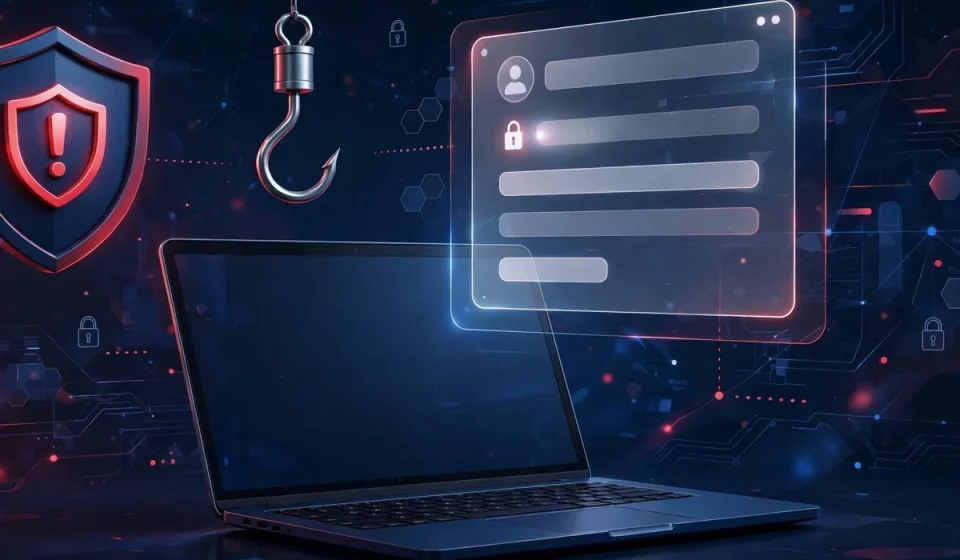
Phishing is a fake message sent to many people at once, usually by email. It often pretends to come from a bank, a cloud service, a delivery company, or an internal IT team. It may warn about a locked account or a failed payment, and ask the reader to click a link or open an attachment. The link may lead to a fake login page that steals a password.
Example: An employee gets an email that looks like it comes from her cloud storage provider. It says her account will close in 24 hours unless she confirms her details. She clicks the link and signs in on a copy of the real page, giving the attacker her password. The safe habit is to never sign in from a link in an unexpected email. Go to the service directly instead.
2. Spear Phishing
Spear phishing is a targeted form of phishing. The attacker studies one person or team and uses real details, such as a recent project, a manager’s name, or a supplier, so the message feels personal and trustworthy. Because it is tailored, it is harder to spot than ordinary phishing.
Example: A finance assistant gets an email that appears to come from the company director, mentioning a real supplier and an urgent payment. It asks for updated bank details. If the assistant replies without checking through a separate channel, money could go to the wrong account. A quick call to a known number would have stopped the attack.
3. Pretexting
Pretexting is a made-up story used to get information or access. The attacker invents a role, such as an auditor, a new IT contractor, or a support agent, and asks for help with a believable task. The story is designed to make refusing feel rude, slow, or against company rules.
Example: Someone calls a support desk, claims to be a new employee, and says they cannot sign in before an important meeting. They ask the agent to reset a password or share a temporary code. A trained agent will not do this without identity checks, even if the caller sounds stressed and polite.
4. Baiting
Baiting uses curiosity or a free offer to lure a victim into a risky action. In the past, this often meant a USB drive left in a parking lot or office lobby. Today, it is more often a free download, a prize, a fake software update, or a tempting link in a message or ad. The bait hides malware or a fake login page.
Example: An employee sees an ad offering a free version of a popular tool and downloads it from an unknown site. The file installs a program that records keystrokes. The safe habit is to download software only from official sources and to treat unexpected free offers as a warning sign, not a gift.
5. Tailgating
Tailgating, also called piggybacking, happens in person. An attacker follows an authorized person through a locked door or a restricted area. They may carry a large box, pretend to be on a phone call, or claim they forgot their badge. Because the action feels small and polite, staff often hold the door without thinking.
Example: A visitor in a delivery uniform waits near a secure office door with a heavy package. An employee holds the door open to help, and the visitor walks into a restricted area without a badge or sign-in. The fix is simple: every person should use their own badge, and staff should feel comfortable asking a stranger to check in at reception.
6. Vishing and Smishing
Vishing is voice phishing by phone call, and smishing is phishing by text message. A caller may claim to be from a bank, a tax office, or a tech company, and ask the victim to confirm a code, install an app, or move money. A text may claim a package is waiting or an account is locked, with a link to a fake site.
Example: An employee gets a text saying a delivery failed and asking her to click a link to reschedule. The link asks for payment details. In a separate case, a caller claims to be from IT support and asks for a one-time code. Both attacks rely on urgency and a trusted name. Real banks and IT teams do not ask for full passwords or one-time codes in this way.
Warning Signs to Spot Social Engineering Attacks
You do not need to memorize every trick. Look for a pattern of pressure and unusual requests. If several of these signs appear together, stop and verify before you act.
- Urgency: The message says act now, or an account, payment, or job will be lost.
- Secrecy: The sender asks you not to tell a manager, a coworker, or the security team.
- Authority: The message claims to come from a boss, a bank, police, or IT, but you did not expect it.
- Unusual requests: A request to change bank details, share a code, approve a login, or send a gift card is a major warning sign.
- Strange sender details: The email address, phone number, or link does not match the real company, even if the name looks right.
- Unexpected links or files: You did not ask for the file, or the link leads to a site you do not recognize.
- Too-good offers: A free prize, a refund you did not expect, or a download from an unknown source should raise suspicion.
A short pause to check the sender, open the app directly, or call a known number often breaks the attack.
Practical Defenses for Employees
First, verify before you act. If a message asks for money, a password, a code, or a change in bank details, check it through a separate channel. Call a known number, visit the official website directly, or ask the person in person. Do not use a phone number or link from the suspicious message itself.
Second, protect your login. Use a strong, unique password for work accounts, and turn on multi-factor authentication (MFA) wherever it is available. MFA adds a second check, such as a code from an app, so a stolen password alone is not enough. Never share a one-time code with anyone, even if they claim to be from IT support.
Practical Defenses for Small Businesses
Start with short, regular training. A 15-minute session each quarter, with real examples from this guide, works better than a long lecture once a year. Include safe phishing practice tests, and praise staff who report them.
Next, set clear rules for risky actions. Require a second approval for bank changes, large payments, and password resets. Use a callback rule: any payment change must be confirmed by phone using a number already on file, not a number in the request. No one should share codes or approve logins for another person.
Frequently Asked Questions
What are social engineering attacks?
Social engineering attacks are tricks that use trust, urgency, or authority to persuade a person to share information, click a link, or give access. They target people rather than breaking software directly.
What is the most common type of social engineering attack?
Phishing is the most common type. It usually arrives by email and tries to get the reader to click a fake link, open a harmful attachment, or enter a password on a fake login page.
How can I tell if an email is a social engineering attack?
Look for urgency, an unexpected request for money or a code, a sender address that does not match the company, and a link or attachment you did not expect. When in doubt, verify through the official app or a known phone number.
Does multi-factor authentication stop social engineering attacks?
Multi-factor authentication helps a lot, because a stolen password alone is usually not enough. It does not stop every attack, so you should still verify requests and never share one-time codes.
What should a small business do first to prevent social engineering attacks?
Start with short, regular training, turn on multi-factor authentication, and require a second check for bank changes and large payments. Add a simple rule: verify unusual requests through a separate, trusted channel.