
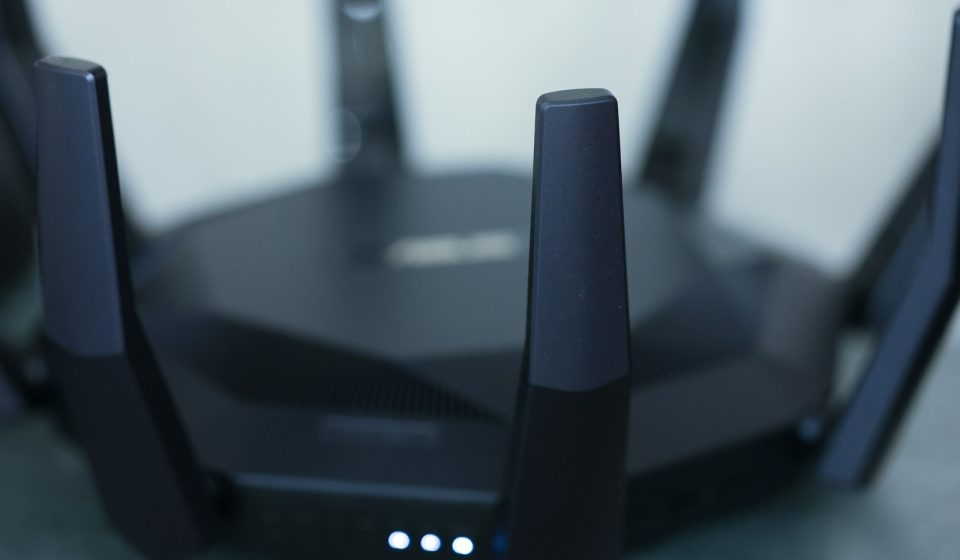

WIPS – a Wireless Intrusion Prevention System – is the security system that watches the air around your network. While firewalls guard the wired network and endpoint tools guard laptops and phones, a WIPS guards the radio waves themselves. It continuously listens to Wi-Fi traffic, spots rogue access points, fake networks and wireless attacks, and then acts to stop them before users connect to something dangerous or data leaves the network.
If your office, school, hospital, hotel or shop offers Wi-Fi, you have a wireless attack surface whether you planned for one or not. Anyone nearby can set up a fake access point, flood the network with deauthentication frames, or plug in an unauthorised access point in a meeting room. A WIPS is built to find those threats in minutes, not months, and to contain them automatically. This guide explains what a WIPS is, how it works, what it detects, how it differs from a WIDS, the features that matter, and how to deploy one without drowning your team in false alarms.
What Is a WIPS?
A Wireless Intrusion Prevention System (WIPS) is a dedicated wireless security system that monitors the radio frequency environment, detects unauthorised or malicious Wi-Fi activity, and takes preventive action against it. The name is often shortened to WIPS, and the technology is sometimes called wireless intrusion prevention. It combines three jobs in one platform: sensing, analysis and enforcement.
Sensing is done by wireless sensors, which may be dedicated hardware sensors or the radios built into managed access points. Those sensors listen on the 2.4 GHz, 5 GHz and, in newer systems, 6 GHz bands. They capture management frames, beacons and probe requests, including traffic on channels your own access points are not using. Analysis happens in a central controller or cloud console, where the system compares what it hears against a policy, an inventory of authorised devices and a library of attack signatures. Enforcement is what makes a WIPS a prevention system rather than a detection-only system: when it confirms a threat, it can contain it, block the offending device, alert administrators and log the evidence.
A WIPS does not replace a firewall, an intrusion prevention system on the wired network, or strong Wi-Fi encryption. It covers a gap those tools cannot see. A wired intrusion prevention system inspects packets that travel over cables and through the gateway. It cannot see a rogue access point that never touches the corporate LAN, or a deauthentication attack that happens entirely over the air. That is the gap a WIPS closes.
How a WIPS Works: From Detection to Prevention
A WIPS follows the same cycle for every threat it handles: listen, classify, decide and act. Understanding that cycle helps you judge vendors and tune the system after deployment.
1. Listen and capture. Sensors scan all Wi-Fi channels in turn, including channels your network does not use. They record access points, clients, signal strength, channels, encryption types and the SSIDs being broadcast. A good deployment places sensors so their coverage overlaps, because an attacker only needs one blind spot.
2. Build an inventory. The system learns which access points and clients are authorised, which are neighbours that belong to the office next door, and which are new. Authorised devices are whitelisted. Neighbouring networks are usually classified as external and watched but not blocked. Anything new is treated as unknown until it is classified.
3. Classify and correlate. The analysis engine looks for signatures and behaviour, not just names. A network with your company SSID but a different hardware address, a sudden flood of deauthentication frames, or an access point that appears on the wired network without authorisation all trigger different rules. Correlation matters: a single probe request is harmless, but the same device probing for your SSID, spoofing your access point and forcing clients off the real network is an attack in progress.
4. Contain and prevent. Once a threat is confirmed, the WIPS can send deauthentication frames to disconnect clients from a rogue access point, instruct managed access points to block the attacker, quarantine the rogue device on the wired side, or push the offending hardware address onto a blocklist. It also raises an alert with the location, signal strength and evidence, so a person can physically find and remove the device.
5. Report and learn. Every event is logged with a timestamp, location and classification. Over time those logs show which areas produce the most alerts and which policies cause false positives. That history is also the audit trail regulators and auditors ask for in sectors such as healthcare, finance and retail.
Wireless Threats a WIPS Detects and Stops
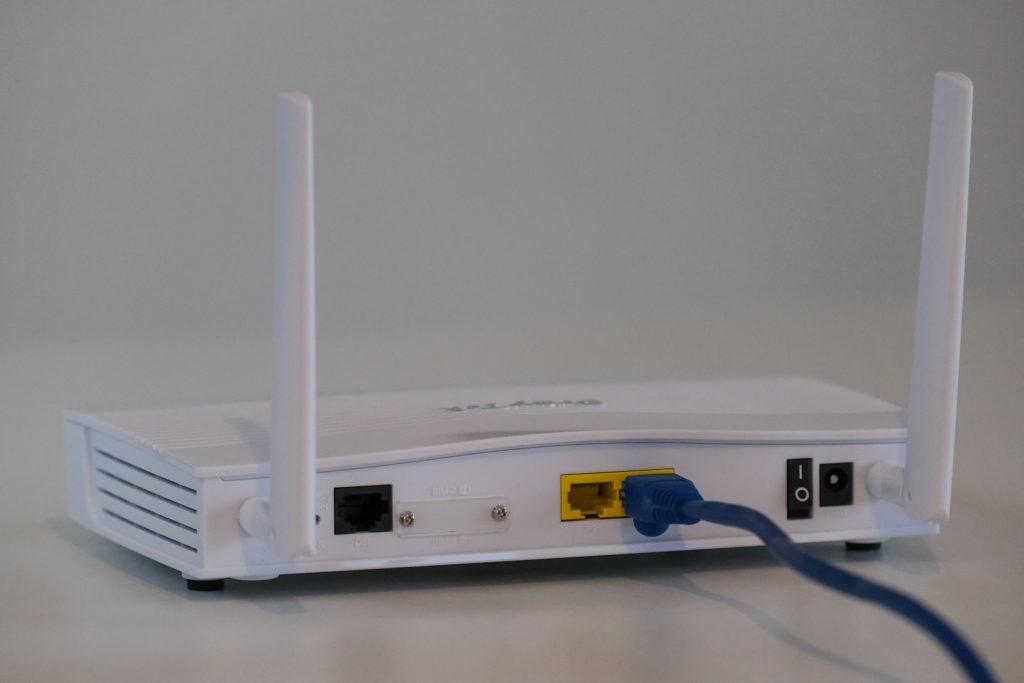 Competitor guides usually list two or three wireless threats and stop there. The table below covers the threats a modern WIPS is expected to detect, how each attack works, and what the WIPS does about it. Use it as a checklist when you compare products.
| Wireless threat | How the attack works | What a WIPS does |
|---|---|---|
| Rogue access point | An unauthorised access point is plugged into the wired network, often by an employee who wants better Wi-Fi or by an attacker who gained physical access. | Detects the device on the wired and wireless sides, flags it as rogue, and contains it by blocking its wired port or deauthenticating its clients. |
| Evil twin | An attacker copies a trusted SSID, such as your company or guest network, and lures devices to connect to the fake network instead. | Spots the spoofed SSID and mismatched hardware address, encryption and signal, then contains the twin and warns connected clients. |
| Deauthentication attack | The attacker floods clients with forged deauthentication frames, forcing them off the legitimate network so they reconnect to a fake one or lose service. | Detects the flood by frame rate and source, identifies the attacker, and blocks or contains the source while alerting administrators. |
| Man-in-the-middle on Wi-Fi | After an evil twin or deauthentication attack, the attacker sits between the user and the internet and can intercept or alter traffic. | Prevents the first step – the fake network – and blocks the rogue device, which removes the attacker position in the middle. For more on this class of attack, see our guide to on-path attacks. |
| Misconfigured access point | A legitimate access point is set up with open authentication, a weak password, the wrong SSID or an outdated encryption standard. | Flags policy violations such as open SSIDs, WEP or weak WPA settings, and reports the device for correction before it is exploited. |
| Unauthorised client and ad-hoc networks | A device creates a peer-to-peer or hotspot network, or an unknown client connects to the corporate network without approval. | Detects ad-hoc networks and unknown clients, classifies them, and blocks or quarantines them according to policy. |
WIPS vs WIDS: What Is the Difference?
WIPS and WIDS are easy to confuse because they share the same sensors and much of the same detection logic. The difference is what happens after detection. A WIDS – a Wireless Intrusion Detection System – only detects and alerts. A WIPS detects, alerts and prevents. That single difference changes staffing, risk and response time.
| Capability | WIDS (Wireless Intrusion Detection System) | WIPS (Wireless Intrusion Prevention System) |
|---|---|---|
| Core job | Detects and reports wireless threats | Detects, reports and actively stops wireless threats |
| Response | Alerts a person, who must investigate and act | Contains the threat automatically, then alerts a person |
| Speed | Minutes to hours, depending on staffing | Seconds to minutes, because containment is automatic |
| Rogue AP handling | Flags the rogue access point | Flags it and blocks or quarantines it |
| Evil twin handling | Reports the fake network | Disconnects clients from the fake network |
| Staffing need | Needs someone watching alerts around the clock | Still needs review, but automatic containment buys time |
| Risk of false positives | Low operational risk; a wrong alert is only noise | Higher if poorly tuned; a wrong containment can disconnect a legitimate device |
| Best for | Small networks, or as a first step toward wireless monitoring | Offices, campuses, hospitals, retail and any site where Wi-Fi carries sensitive data |
Key Features to Look for in a WIPS
Not every product called a WIPS does the same job. When you compare vendors, check for these features and ask for a demonstration against a rogue access point and an evil twin, not just a slide deck.
- Continuous, multi-band scanning: sensors that cover 2.4 GHz, 5 GHz and 6 GHz, including channels your own network does not use, so an attacker cannot hide on an unused channel.
- Automatic rogue AP classification: the system should distinguish authorised, neighbour, rogue and misconfigured devices, and explain why it classified each one.
- Automatic containment: deauthentication of rogue clients, blocking and quarantine, with the option to require approval for high-impact actions.
- Location and triangulation: signal strength from several sensors should narrow a rogue device to a floor or room, so someone can find it quickly.
- Policy and compliance reporting: built-in reports for PCI DSS, HIPAA and similar frameworks, which often require regular wireless scans and rogue AP detect ion.SIEM and alerting integration: events should flow to your SIEM, email, chat or ticketing system with enough detail to act on, not just a generic alarm.
Deployment Notes: Getting a WIPS Right
Buying a WIPS is the easy part. Deploying it well takes planning, and most failed deployments fail on coverage, policy or tuning rather than on the product itself.
Start with an inventory. Before you switch anything on, list every authorised access point, its location, SSID, channel and hardware address. Include guest networks, IoT networks and access points managed by other teams. That list becomes the whitelist, and it is the single biggest factor in keeping false positives down.
Choose the sensor model. There are three common models. Dedicated sensors listen full-time and give the best coverage, but cost more. Access points with built-in WIPS radios share time between serving clients and scanning, which is cheaper but can miss brief attacks. A hybrid – dedicated sensors in high-risk areas and AP-based scanning elsewhere – suits most sites. Put dedicated sensors near entrances, meeting rooms and any area where a visitor could plug in a device unnoticed.
Tune before you contain. Run in detection-only mode for at least two weeks. Whitelist neighbouring networks, correct misclassified devices, and adjust thresholds for deauthentication and flood alerts. Only then enable automatic containment, and start with rogue access points on the wired network – the highest-risk, lowest-ambiguity case – before extending it to evil twins and other threats.
Frequently Asked Questions
What does WIPS stand for?
WIPS stands for Wireless Intrusion Prevention System. It monitors Wi-Fi radio traffic, detects rogue access points and wireless attacks, and automatically contains them.
What is the difference between WIPS and WIDS?
A WIDS only detects and alerts on wireless threats. A WIPS detects, alerts and actively prevents them, for example by disconnecting clients from a rogue access point.
Can a WIPS detect a rogue access point?
Yes. Rogue access point detection is the core job of a WIPS. It compares every access point it hears against an inventory of authorised devices, checks whether it is connected to the wired network, and contains it if it is rogue.
Does a WIPS stop evil twin and deauthentication attacks?
Yes, when automatic containment is enabled. It spots the fake network, detects the deauthentication flood, disconnects clients from the fake network, and blocks the attacker device.
Do I still need a firewall and an IPS if I have a WIPS?
Yes. A WIPS protects the wireless airwaves, while a firewall and a wired intrusion prevention system protect traffic on cables and at the network boundary. They work best together.
Conclusion
A WIPS turns Wi-Fi from a blind spot into a monitored, enforced part of your network. Deploy it in detection-only mode, tune it for a few weeks, then switch on containment – and keep checking for rogue devices long after the first scan.
For a wider view of finding unauthorised devices beyond Wi-Fi, see our guide to rogue system detection.


[…] on every device. Wireless intrusion prevention is also worth understanding — see our guide to WIPS: what a wireless intrusion prevention system does — and the Wi-Fi standard behind your router’s speed, explained in our guide to MU-MIMO: […]
[…] HTTPS, keep your device and apps updated, and use a VPN on public networks for sensitive work. A wireless intrusion prevention system (WIPS) also helps venue operators detect rogue access points that try to impersonate their legitimate […]