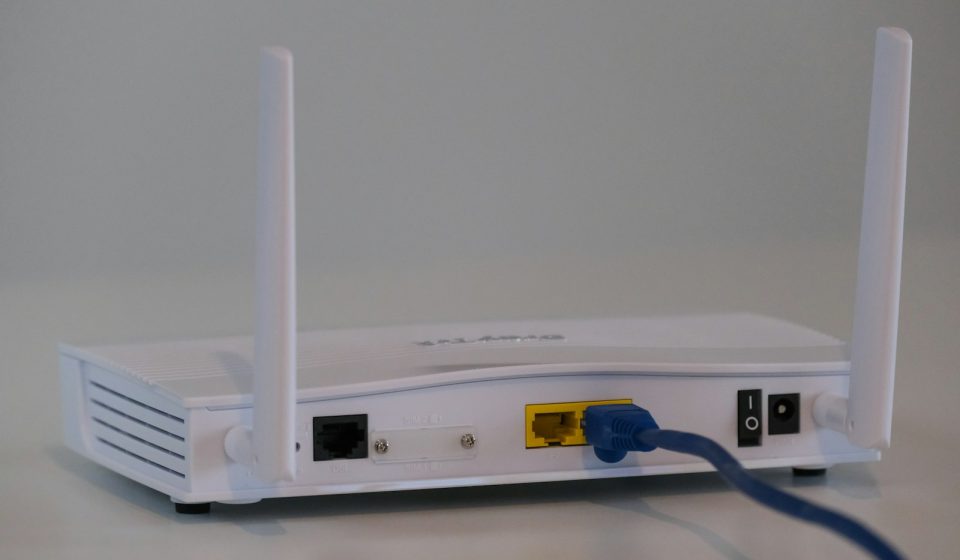

A captive portal is the login or agreement page you see before you can use a public Wi-Fi network. You have met one in a hotel, airport, coffee shop, hospital or university: you join the Wi-Fi, open a browser, and instead of the website you wanted, you see a page asking you to accept terms, enter a room number, log in, or pay. Only after that step does the network let your traffic through to the internet.
Captive portals are useful, but they are also widely misunderstood. Many people assume the login page means the Wi-Fi is secure. It does not. Others think a captive portal is a firewall. It is not, although it can work with one. This article explains what a captive portal is, how it works step by step, where you will find one, the security risks it creates, and how businesses and home users should secure it.
What Is a Captive Portal?
A captive portal is a web page that intercepts a new user on a Wi-Fi or wired network and requires an action before granting internet access. The network holds, or “captures”, the user’s traffic until that action is complete. The action can be as simple as clicking “I agree” to terms and conditions, or as involved as entering a username and password, a voucher code, a room number, or payment details.
Businesses use captive portals for three main reasons. First, to identify users and control access, so only guests, customers or staff can use the network. Second, to present legal terms, an acceptable use policy, or a marketing message. Third, to collect information, such as an email address for marketing, or to charge for premium access. In a corporate network, a captive portal can also be part of guest onboarding, directing visitors to a safe, isolated network instead of the main corporate LAN.
Captive portals are a form of network access control. They decide who gets on the network and what they can do once they are there. They are often combined with VLANs, firewalls and bandwidth limits, so guest traffic is separated from business systems and cannot reach internal servers.
How Does a Captive Portal Work?
Understanding the flow helps you understand both its uses and its weaknesses. Here is what happens when you join a network with a captive portal:
- Join the network: Your device connects to the Wi-Fi access point and receives an IP address from DHCP. At this stage you have local network access, but internet traffic is blocked.
- Try to browse: You open a browser or an app tries to reach the internet. The first request, usually an HTTP request or a connectivity check, is intercepted by the gateway or wireless controller.
- Redirect to the portal: The gateway redirects your browser to the captive portal page. Your operating system often detects this automatically and opens the portal in a pop-up window.
- Complete the required step: You accept the terms, enter credentials or a voucher, or pay. The portal checks your input against its rules, a user database, or a payment system.
- Authentication and authorisation: If the check passes, the gateway records your device’s MAC address or IP address as authorised, usually for a set time such as 24 hours.
- Internet access granted: Your traffic is allowed through, often with limits on bandwidth, time, or allowed websites. When the session expires, you are redirected to the portal again.
Most modern devices detect captive portals by trying to fetch a known test page, for example a small page hosted by Apple, Google or Microsoft. If the response is not the expected page, the device knows a portal is present and opens it. This is why the portal often appears automatically, without you opening a browser first.
Types of Captive Portals
| Type | How it works | Best for |
|---|---|---|
| Click-through | User clicks to accept terms | Cafes, shops, public spaces |
| Login-based | Username and password required | Hotels, offices, universities |
| Voucher or code | Unique code given at reception | Hotels, events, paid Wi-Fi |
| Payment | Card payment for access | Airports, airlines, premium Wi-Fi |
| Social login | Log in with a social account | Retail, marketing-led Wi-Fi |
| Sponsored guest | A staff member approves the guest | Corporate guest networks |
Click-through portals are the simplest and the least secure, because anyone can click through. Login and voucher portals give the operator more control and a record of who used the network. Payment portals add a commercial layer, while social login portals are popular with retailers who want to build a marketing list, although they raise privacy questions.
Where You Will Find Captive Portals
Captive portals are everywhere public Wi-Fi is offered. Hotels use them to link Wi-Fi access to a room booking. Airports and airlines use them to offer free basic access and sell faster access. Coffee shops and restaurants use them to show a menu, a loyalty offer or terms of use. Hospitals use them to give patients and visitors limited access while protecting medical systems. Schools and universities use them to authenticate students and apply content filtering. Offices use them for guest Wi-Fi, keeping visitors off the corporate network.
In each case the goal is the same: give people internet access without giving them access to everything else. A well-designed guest network, with a captive portal, a separate VLAN and a firewall, means a guest can browse the web but cannot see the company’s file servers, printers or internal applications.
Is a Captive Portal Secure?
A captive portal on its own does not make Wi-Fi secure. This is the most important point in this article. The portal controls who gets internet access, but it does not encrypt your traffic. If the Wi-Fi network is open, without WPA2 or WPA3 encryption, anyone nearby can intercept unencrypted traffic. Even on a network with a portal, you should treat it as untrusted.
Authentication for captive portals is often handled by RADIUS or a similar server, which checks usernames and passwords against a directory. That is stronger than a simple click-through page, but it still does not protect data in transit. For real protection, use HTTPS websites, a VPN, and avoid sensitive transactions on public Wi-Fi. Businesses should also use WPA3-Enterprise where possible, so each user has their own credentials and traffic is encrypted per user.
For operators, a portal can create risks of its own. A portal that collects personal data must comply with privacy laws such as GDPR. It must store credentials securely, use HTTPS for the portal page itself, and not log more than it needs. A portal with a weak password, an unpatched gateway, or a default admin account is an easy target for attackers.
Captive Portal Security Risks
Attackers have learned to abuse captive portals in several ways. The most common is the evil twin attack: an attacker sets up a fake Wi-Fi network with the same name as a legitimate one, for example “Hotel_WiFi”, and shows a fake portal that steals passwords or installs malware. Because many portals look similar, users often do not notice the difference.
Other risks include session hijacking, where an attacker copies an authorised device’s MAC address and reuses its session; phishing through the portal itself, where a fake portal asks for email or card details; and data interception on open networks, where traffic is visible to anyone with a packet sniffer. Portals can also be used to distribute malware if the gateway is compromised, or to track users if the operator collects excessive data.
Wireless security is a wider topic than portals alone. A wireless intrusion prevention system (WIPS) can detect rogue access points, evil twins and unauthorised devices, and alert administrators before users connect to a fake network. Combining a portal with WIPS, strong Wi-Fi encryption and network segmentation gives far better protection than a portal alone.
How to Secure a Captive Portal
If you run a captive portal, follow these practices. Use HTTPS for the portal page, with a valid certificate, so credentials are not sent in plain text. Keep the gateway and access points patched, and change all default passwords. Isolate guest traffic on its own VLAN, with a firewall that blocks access to internal systems. Limit sessions, bandwidth and time, and log access for incident investigation. Collect only the personal data you need, explain why you need it, and delete it when it is no longer required. Test the portal regularly, including from a user’s point of view, to check that it works, that it does not leak internal information, and that it fails safely if the authentication server goes down.
If you use a captive portal as a guest, follow these rules. Check the exact Wi-Fi network name with staff before joining. Do not enter sensitive passwords or card details on a portal page unless you are sure it is legitimate and uses HTTPS. Use a VPN on public Wi-Fi, keep your software updated, turn off automatic connection to open networks, and forget the network after you leave so your device does not reconnect automatically later.
Captive Portal vs Firewall vs VPN
These three are often confused. A captive portal controls access to a network by requiring an action before internet use. A firewall controls which traffic is allowed between networks, based on rules. A VPN encrypts your traffic and hides it from the local network. A portal does not replace a firewall or a VPN. In a good design, all three work together: the portal authenticates the user, the firewall limits what they can reach, and a VPN protects their data in transit.
Frequently Asked Questions
What is a captive portal?
A captive portal is a web page that appears when you join a Wi-Fi network and requires you to take an action, such as accepting terms, logging in, entering a code or paying, before you can use the internet.
Why does a captive portal appear?
It appears because the network operator wants to control access, show terms and conditions, identify users, or charge for access. Your device detects the portal when its connectivity check is redirected to the portal page.
Is a captive portal safe?
Not on its own. A captive portal does not encrypt your traffic. Treat public Wi-Fi as untrusted, use HTTPS sites and a VPN, and avoid banking or sensitive logins unless you are on a trusted, encrypted network.
How do I get past a captive portal that will not load?
Try opening a non-HTTPS site such as a plain HTTP page, which forces a redirect to the portal. Turn Wi-Fi off and on again, forget the network and rejoin it, or try a different browser. If it still fails, the gateway or portal server may be down, and you should ask staff for help.
Can a captive portal see my passwords?
A legitimate portal can see what you type into the portal page itself, which is why it should use HTTPS. It cannot see passwords you type into HTTPS websites after you are connected, because that traffic is encrypted between your browser and the website.
Conclusion
A captive portal is a practical way to manage guest and public Wi-Fi, but it is a gate, not a shield. It can identify users, present terms, and keep guests off internal systems, especially when combined with network access control, VLANs, firewalls and wireless intrusion prevention. It cannot, by itself, make public Wi-Fi private or secure. Operators should secure the portal, isolate guest traffic and collect as little personal data as possible. Users should verify the network, use a VPN, and treat every public network as untrusted. Used that way, captive portals make public Wi-Fi more manageable without creating a false sense of security.